mirror of
https://github.com/Dokploy/dokploy.git
synced 2026-10-15 13:21:11 +00:00
 Mohammad AlSmadi
dced7970ac
Mohammad AlSmadi
dced7970ac
Biome's scanner walks node_modules and generated build output
(e.g. Next.js/Turbopack .next/dev chunks) regardless of files.includes,
which only governs lint/format targets, not the module-graph scanner.
On this monorepo (112k+ files under node_modules, actively regenerated
.next/dev artifacts) that let the biome daemon's memory grow unbounded
over a long-lived editor session.

Set files.experimentalScannerIgnores to exclude node_modules, .next,
.docker, and dist from the scanner, and bump @biomejs/biome from 2.1.1
to 2.5.7 to pick up several intervening scanner/module-graph fixes
(deadlock fix in 2.5.3, scanner-triggered memory fix in 2.5.2).

Join us on Discord for help, feedback, and discussions!

Dokploy is a free, self-hostable Platform as a Service (PaaS) that simplifies the deployment and management of applications and databases.
✨ Features
Dokploy includes multiple features to make your life easier.
- Applications: Deploy any type of application (Node.js, PHP, Python, Go, Ruby, etc.).
- Databases: Create and manage databases with support for MySQL, PostgreSQL, MongoDB, MariaDB, libsql, and Redis.
- Backups: Automate backups for databases to an external storage destination.
- Docker Compose: Native support for Docker Compose to manage complex applications.
- Multi Node: Scale applications to multiple nodes using Docker Swarm to manage the cluster.
- Templates: Deploy open-source templates (Plausible, Pocketbase, Calcom, etc.) with a single click.
- Traefik Integration: Automatically integrates with Traefik for routing and load balancing.
- Real-time Monitoring: Monitor CPU, memory, storage, and network usage for every resource.
- Docker Management: Easily deploy and manage Docker containers.
- CLI/API: Manage your applications and databases using the command line or through the API.
- Notifications: Get notified when your deployments succeed or fail (via Slack, Discord, Telegram, Email, etc.).
- Multi Server: Deploy and manage your applications remotely to external servers.
- Self-Hosted: Self-host Dokploy on your VPS.
🚀 Getting Started
To get started, run the following command on a VPS:
Want to skip the installation process? Try the Dokploy Cloud.
curl -sSL https://dokploy.com/install.sh | bash
For detailed documentation, visit docs.dokploy.com.
Contributors 🤝
📺 Video Tutorial
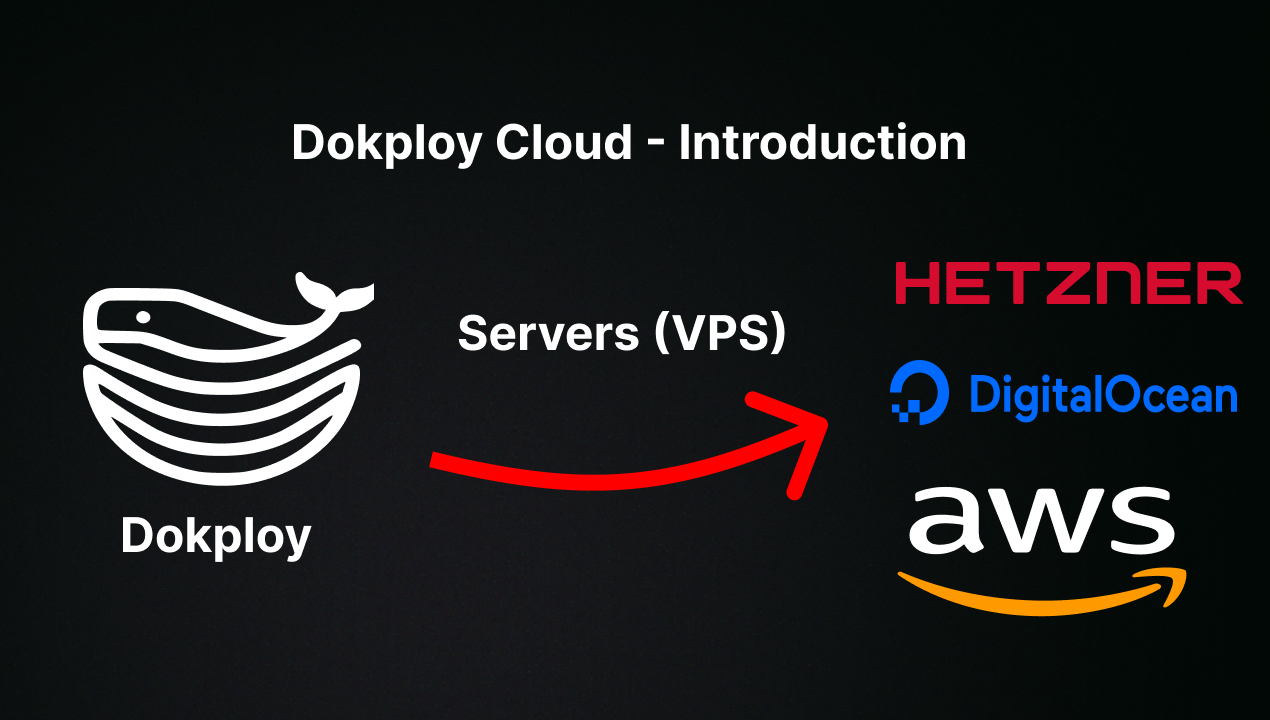
🤝 Contributing
Check out the Contributing Guide for more information.