mirror of
https://github.com/Dokploy/dokploy.git
synced 2026-10-15 13:21:11 +00:00
 Narciso
bee6918d9a
Narciso
bee6918d9a
The swarm migration in 3848fa9c0 dropped the container.remove({force:true})
that the standalone deploy path used to run. Swarm tasks are named
dokploy-monitoring.<slot>.<id>, so there is no name collision and the
pre-v0.30.0 container survives every redeploy. It also stays pinned to an
orphaned image ID once pullRemoteImage moves the latest tag, so neither a
pull nor a Save clears it and it restarts forever.

Cloud setup spread metricsConfig straight from the row, shipping
cronJob: "" to the agent. robfig/cron rejects an empty spec, so the Go
binary exits before Fiber binds 4500 and Docker restarts it every ~60s.

- remove the legacy container in deployMonitoringService, which covers both
  setupMonitoring and setupWebMonitoring. Cleanup is best effort: a failure
  is logged and the deploy continues, matching the pre-migration behaviour
- default cronJob when configuring monitoring for cloud
- on build servers, clean up the legacy container but deploy no service.
  They never join the swarm, yet cloud setup did create the standalone
  container there before v0.30.0, and the monitoring form has always been
  hidden for them, so those agents are all stuck with an empty cronJob
- cover the above with real-docker tests

Join us on Discord for help, feedback, and discussions!

Dokploy is a free, self-hostable Platform as a Service (PaaS) that simplifies the deployment and management of applications and databases.
✨ Features
Dokploy includes multiple features to make your life easier.
- Applications: Deploy any type of application (Node.js, PHP, Python, Go, Ruby, etc.).
- Databases: Create and manage databases with support for MySQL, PostgreSQL, MongoDB, MariaDB, libsql, and Redis.
- Backups: Automate backups for databases to an external storage destination.
- Docker Compose: Native support for Docker Compose to manage complex applications.
- Multi Node: Scale applications to multiple nodes using Docker Swarm to manage the cluster.
- Templates: Deploy open-source templates (Plausible, Pocketbase, Calcom, etc.) with a single click.
- Traefik Integration: Automatically integrates with Traefik for routing and load balancing.
- Real-time Monitoring: Monitor CPU, memory, storage, and network usage for every resource.
- Docker Management: Easily deploy and manage Docker containers.
- CLI/API: Manage your applications and databases using the command line or through the API.
- Notifications: Get notified when your deployments succeed or fail (via Slack, Discord, Telegram, Email, etc.).
- Multi Server: Deploy and manage your applications remotely to external servers.
- Self-Hosted: Self-host Dokploy on your VPS.
🚀 Getting Started
To get started, run the following command on a VPS:
Want to skip the installation process? Try the Dokploy Cloud.
curl -sSL https://dokploy.com/install.sh | bash
For detailed documentation, visit docs.dokploy.com.
Contributors 🤝
📺 Video Tutorial
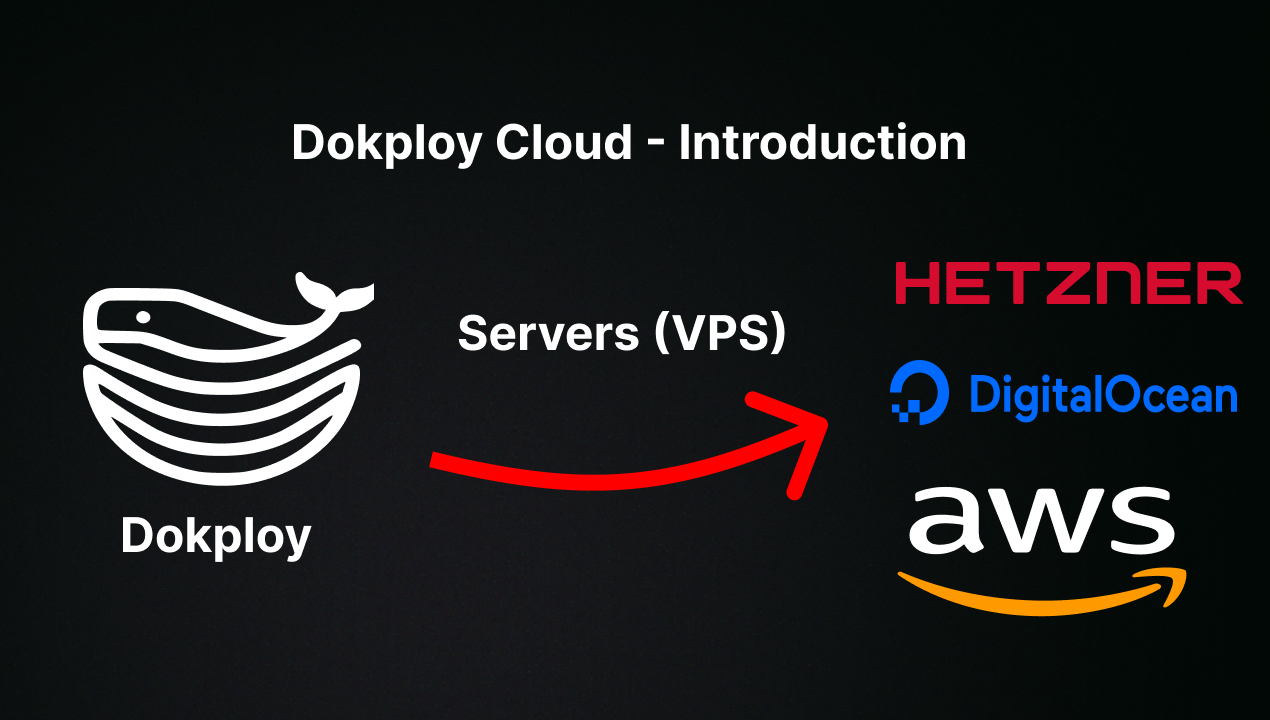
🤝 Contributing
Check out the Contributing Guide for more information.