mirror of
https://github.com/Dokploy/dokploy.git
synced 2026-10-15 13:21:11 +00:00
 logical-tech
9c4ad14c70
logical-tech
9c4ad14c70
Providers, domains and records now each have their own page instead of
a stack of modals. A provider opens its domains as cards, with the
record count loading separately so the domains appear right away. A
domain opens its records as a table with search, type filter and
pagination. Creating or editing a record happens in a panel that
slides in next to the table.

The type list was capped at A and CNAME in the zod schema, so widening
the dropdown alone would not have worked. AAAA, MX, TXT, NS, SRV, CAA
and PTR work now. MX carries a priority that Cloudflare takes as a
separate field and Route53 takes inline in the value, so the
Cloudflare client splits it out on write and puts it back on read.
The form keeps one value field for both providers.

Cloudflare proxy status is now editable and visible. A, AAAA and CNAME
records get a Proxied / DNS only toggle in the form and a cloud icon
in the table. The proxy field only goes to the API when the caller
sets it, so an update from another path cannot silently disable the
proxy.

Tests cover the MX priority round trip and the proxy rules in the
Cloudflare client.

Join us on Discord for help, feedback, and discussions!

Dokploy is a free, self-hostable Platform as a Service (PaaS) that simplifies the deployment and management of applications and databases.
✨ Features
Dokploy includes multiple features to make your life easier.
- Applications: Deploy any type of application (Node.js, PHP, Python, Go, Ruby, etc.).
- Databases: Create and manage databases with support for MySQL, PostgreSQL, MongoDB, MariaDB, libsql, and Redis.
- Backups: Automate backups for databases to an external storage destination.
- Docker Compose: Native support for Docker Compose to manage complex applications.
- Multi Node: Scale applications to multiple nodes using Docker Swarm to manage the cluster.
- Templates: Deploy open-source templates (Plausible, Pocketbase, Calcom, etc.) with a single click.
- Traefik Integration: Automatically integrates with Traefik for routing and load balancing.
- Real-time Monitoring: Monitor CPU, memory, storage, and network usage for every resource.
- Docker Management: Easily deploy and manage Docker containers.
- CLI/API: Manage your applications and databases using the command line or through the API.
- Notifications: Get notified when your deployments succeed or fail (via Slack, Discord, Telegram, Email, etc.).
- Multi Server: Deploy and manage your applications remotely to external servers.
- Self-Hosted: Self-host Dokploy on your VPS.
🚀 Getting Started
To get started, run the following command on a VPS:
Want to skip the installation process? Try the Dokploy Cloud.
curl -sSL https://dokploy.com/install.sh | bash
For detailed documentation, visit docs.dokploy.com.
Contributors 🤝
📺 Video Tutorial
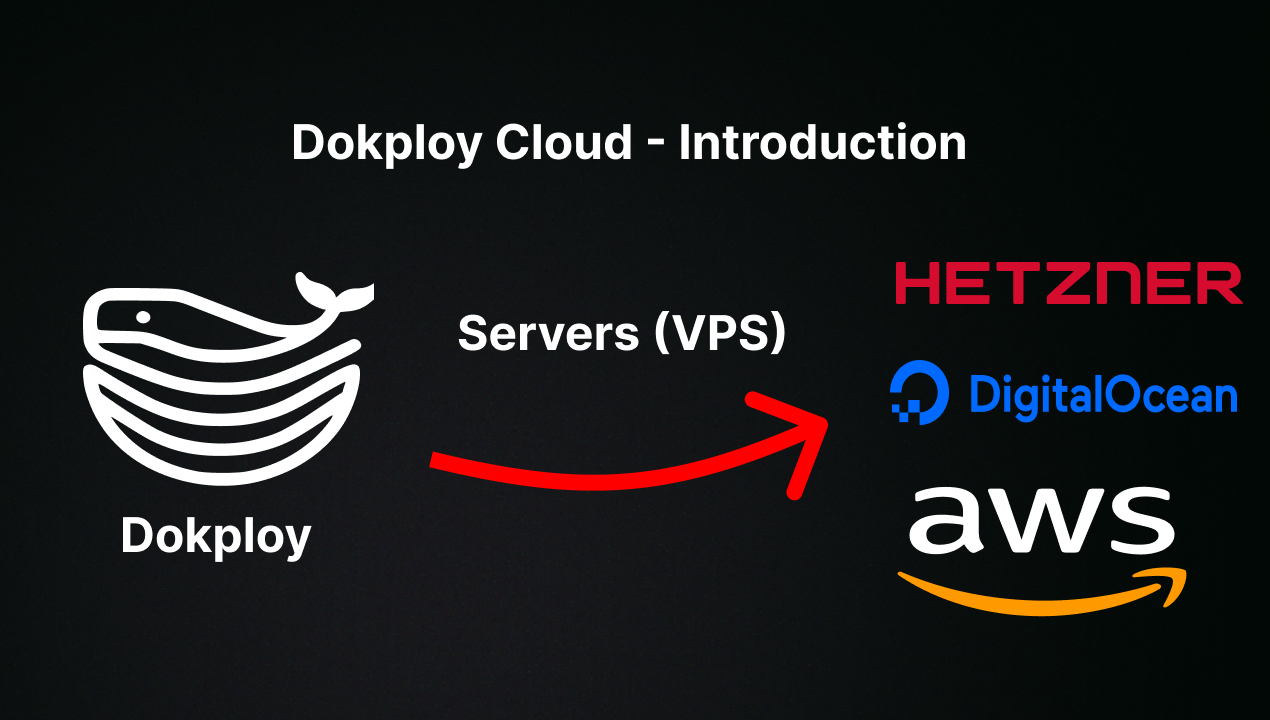
🤝 Contributing
Check out the Contributing Guide for more information.