mirror of
https://github.com/Dokploy/dokploy.git
synced 2026-10-15 13:21:11 +00:00
 Narciso
4bf6dfff13
Narciso
4bf6dfff13
Server diagnostics tab (Docker dashboard) with:
- Per-network IP usage: subnet capacity vs. containers in use, including
  reserved networks like dokploy-network which are excluded from the
  managed Networks tab. Surfaces read errors instead of silently showing
  zeroes when the Docker API call fails.
- Broadened daemon-error detection and failure classification for Swarm
  network failures: IP pool exhaustion on an existing network
  ("could not find an available IP", "task allocation failure") and
  network attach timeouts ("attaching to network failed", "context
  deadline exceeded") — both previously fell through as Unclassified.
  Verified end-to-end against a real systemd-managed dockerd.
- Failed-deployment rows now carry the raw log tail used for
  classification, shown on hover and linked to their service/project,
  so a guess (or lack of one) can be verified against the actual error
  and followed straight to the app.
- Daemon-error panel is a read-only code editor, always visible (not
  hidden when empty), prefixed with the actual "Logs from X to Y"
  window passed to journalctl so the --since window can be verified.
- "Download report" exports everything on screen (metrics + raw logs)
  as Markdown, so a customer can send one file instead of a screen-share.
- Health check now IS_CLOUD-gated the same way network sync already is:
  a cloud org can no longer omit serverId and have the check silently
  run against the shared platform host instead of their own server.

Includes an inotify diagnostics card (current vs. max_user_instances/
watches/queued_events) and a failed-deployments log with automatic
cause classification based on daemon/log error patterns.

Join us on Discord for help, feedback, and discussions!

Dokploy is a free, self-hostable Platform as a Service (PaaS) that simplifies the deployment and management of applications and databases.
✨ Features
Dokploy includes multiple features to make your life easier.
- Applications: Deploy any type of application (Node.js, PHP, Python, Go, Ruby, etc.).
- Databases: Create and manage databases with support for MySQL, PostgreSQL, MongoDB, MariaDB, libsql, and Redis.
- Backups: Automate backups for databases to an external storage destination.
- Docker Compose: Native support for Docker Compose to manage complex applications.
- Multi Node: Scale applications to multiple nodes using Docker Swarm to manage the cluster.
- Templates: Deploy open-source templates (Plausible, Pocketbase, Calcom, etc.) with a single click.
- Traefik Integration: Automatically integrates with Traefik for routing and load balancing.
- Real-time Monitoring: Monitor CPU, memory, storage, and network usage for every resource.
- Docker Management: Easily deploy and manage Docker containers.
- CLI/API: Manage your applications and databases using the command line or through the API.
- Notifications: Get notified when your deployments succeed or fail (via Slack, Discord, Telegram, Email, etc.).
- Multi Server: Deploy and manage your applications remotely to external servers.
- Self-Hosted: Self-host Dokploy on your VPS.
🚀 Getting Started
To get started, run the following command on a VPS:
Want to skip the installation process? Try the Dokploy Cloud.
curl -sSL https://dokploy.com/install.sh | bash
For detailed documentation, visit docs.dokploy.com.
Contributors 🤝
📺 Video Tutorial
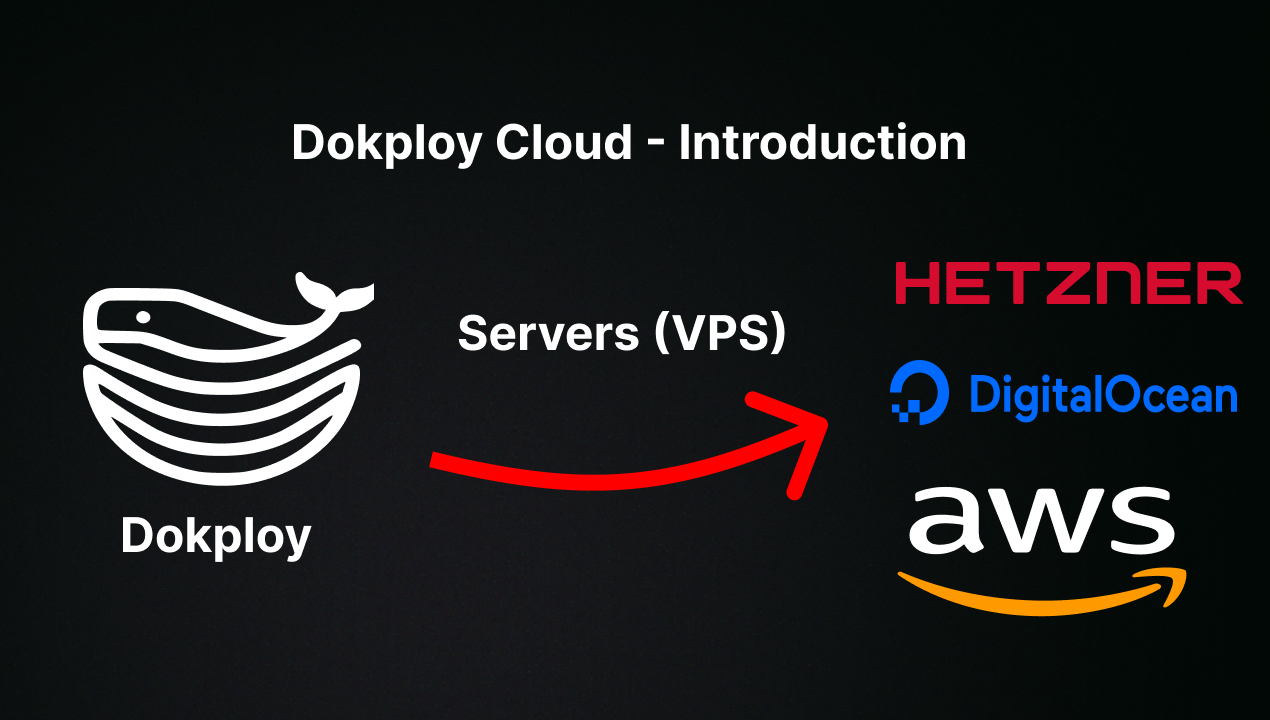
🤝 Contributing
Check out the Contributing Guide for more information.