Web Console
The BetterDesk Web Console is a Node.js (Express.js) management panel accessible at http://your-server:5000.
The default chrome is the classic icon rail + flyout sidebar. You can switch to optional UX 3.5 (full-list sidebar + solid topbar — not glass) from the navbar; the choice is stored in a cookie. See UX 3.5.
Visual preview
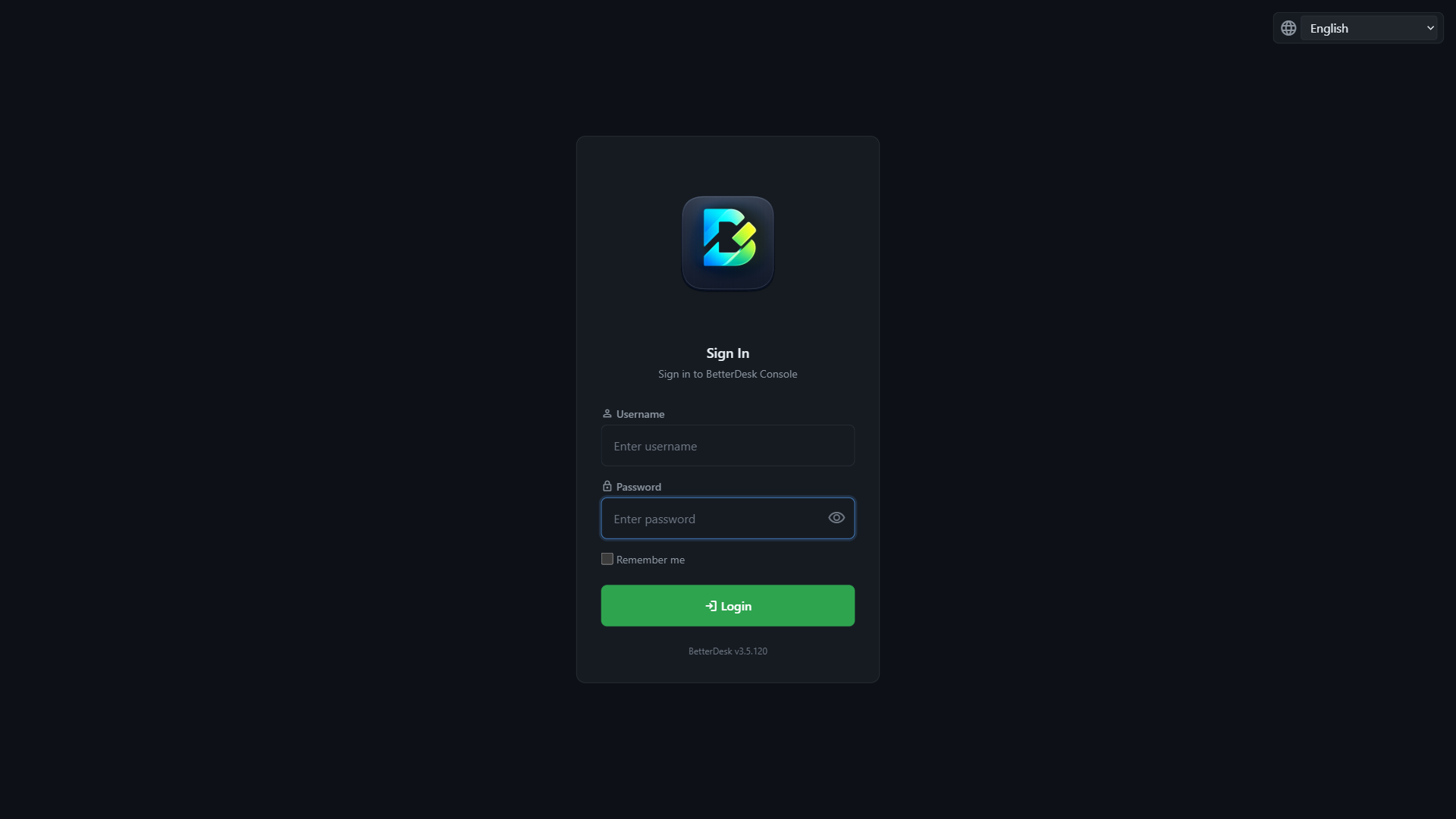
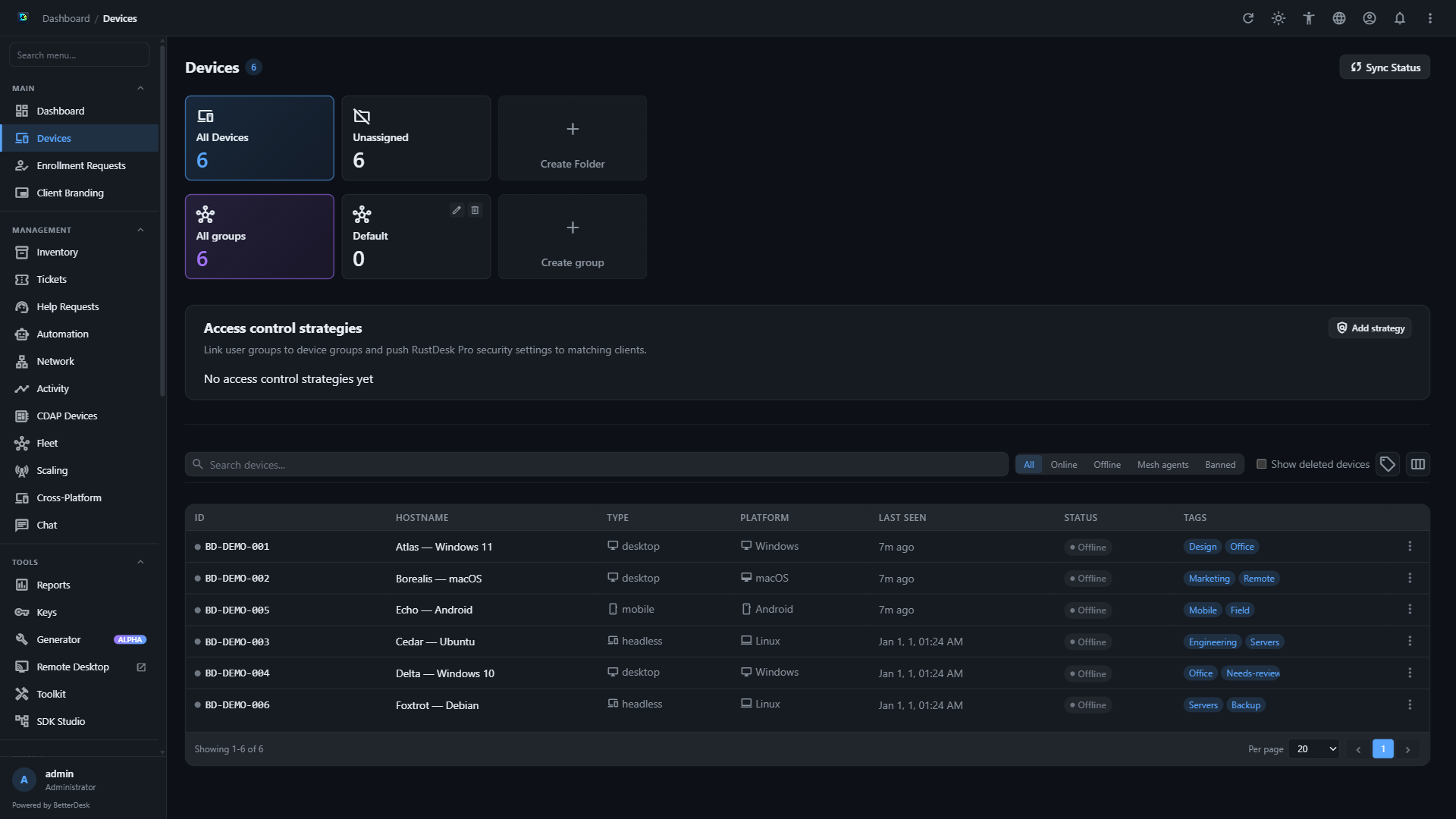
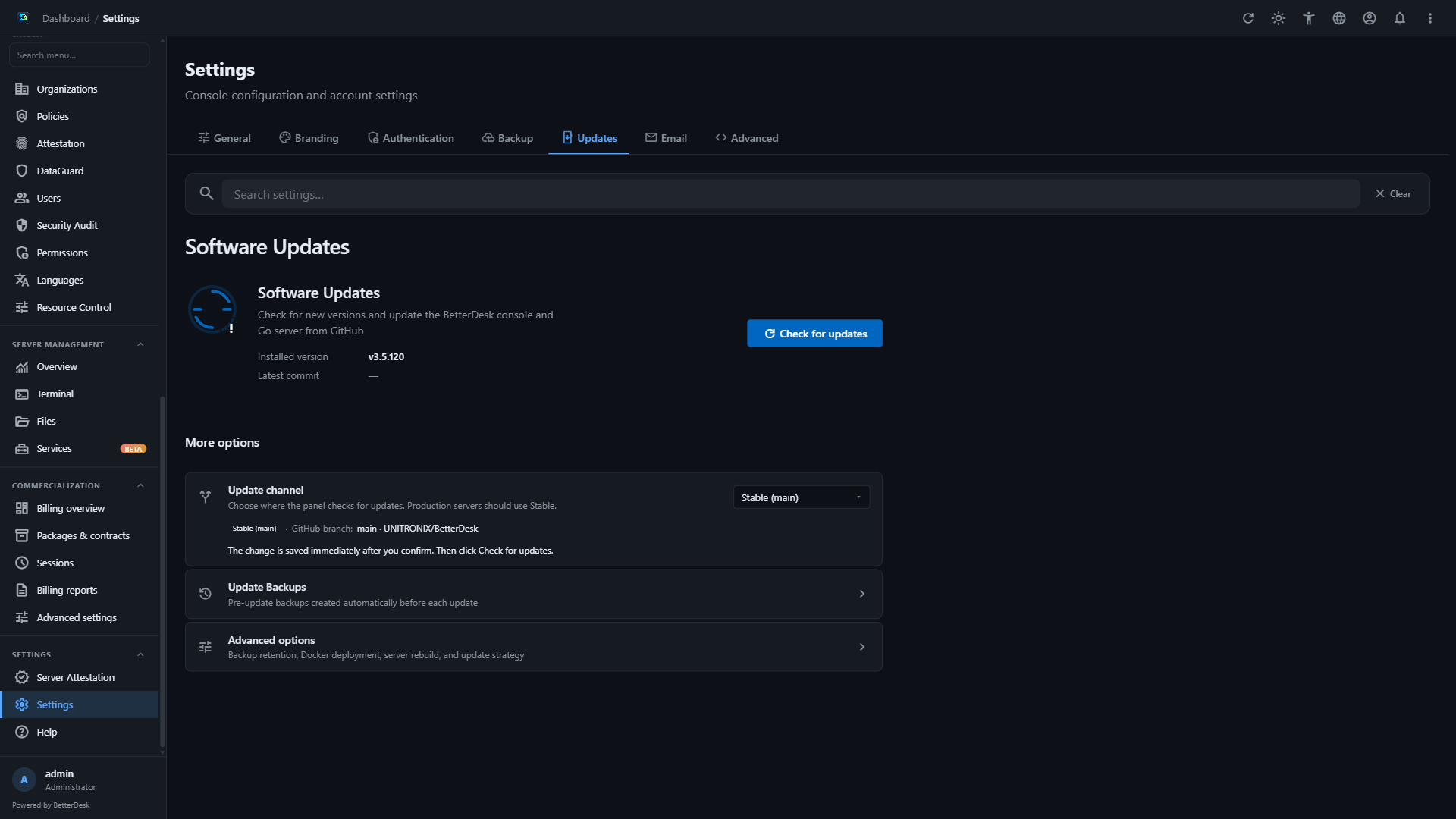
The following screenshots show the current UX 3.5 panel in the dark theme and English locale. All device names, IDs, notes, and network values are fictional test data.
 |
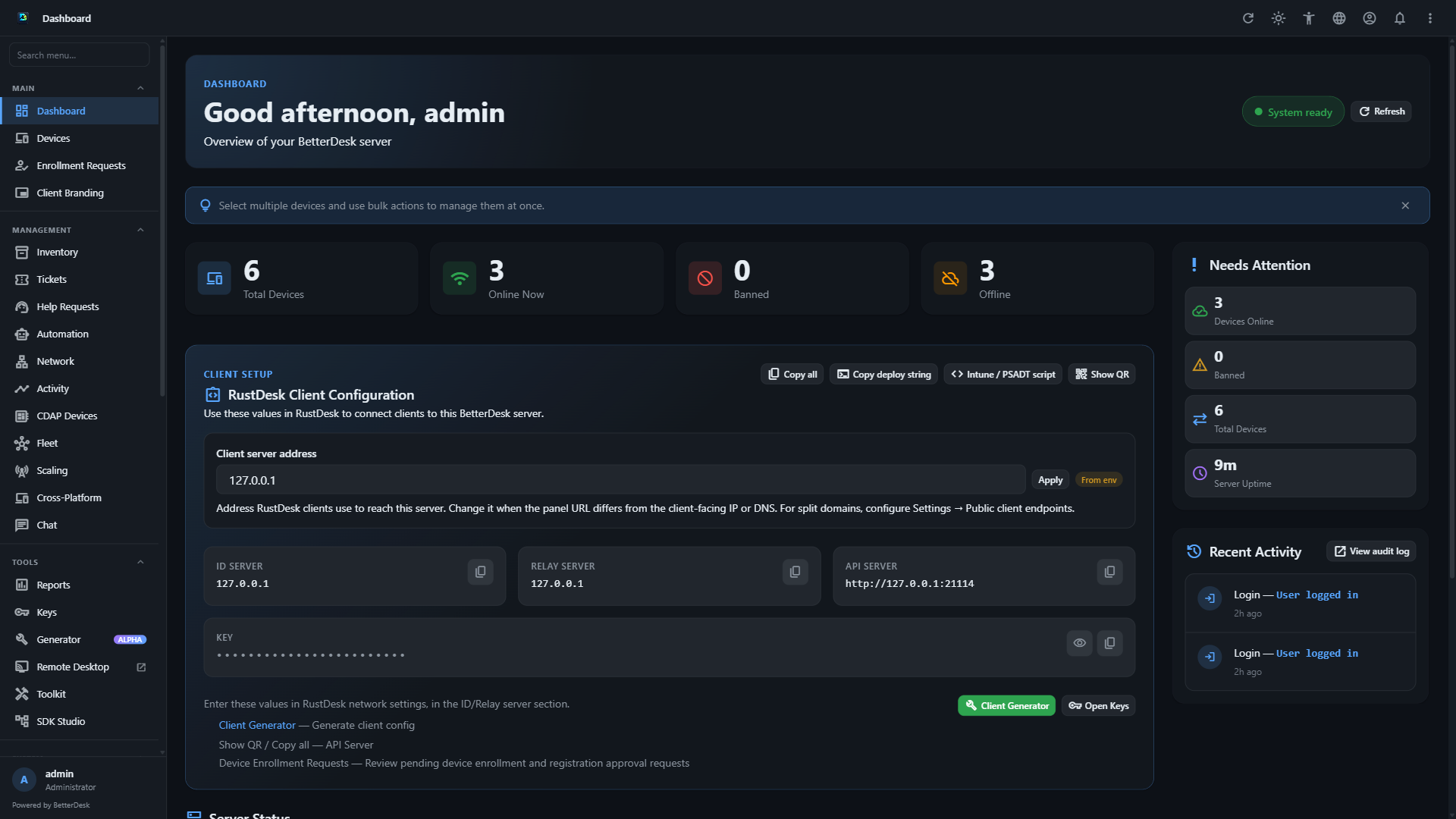 |
| Login | Dashboard |
 |
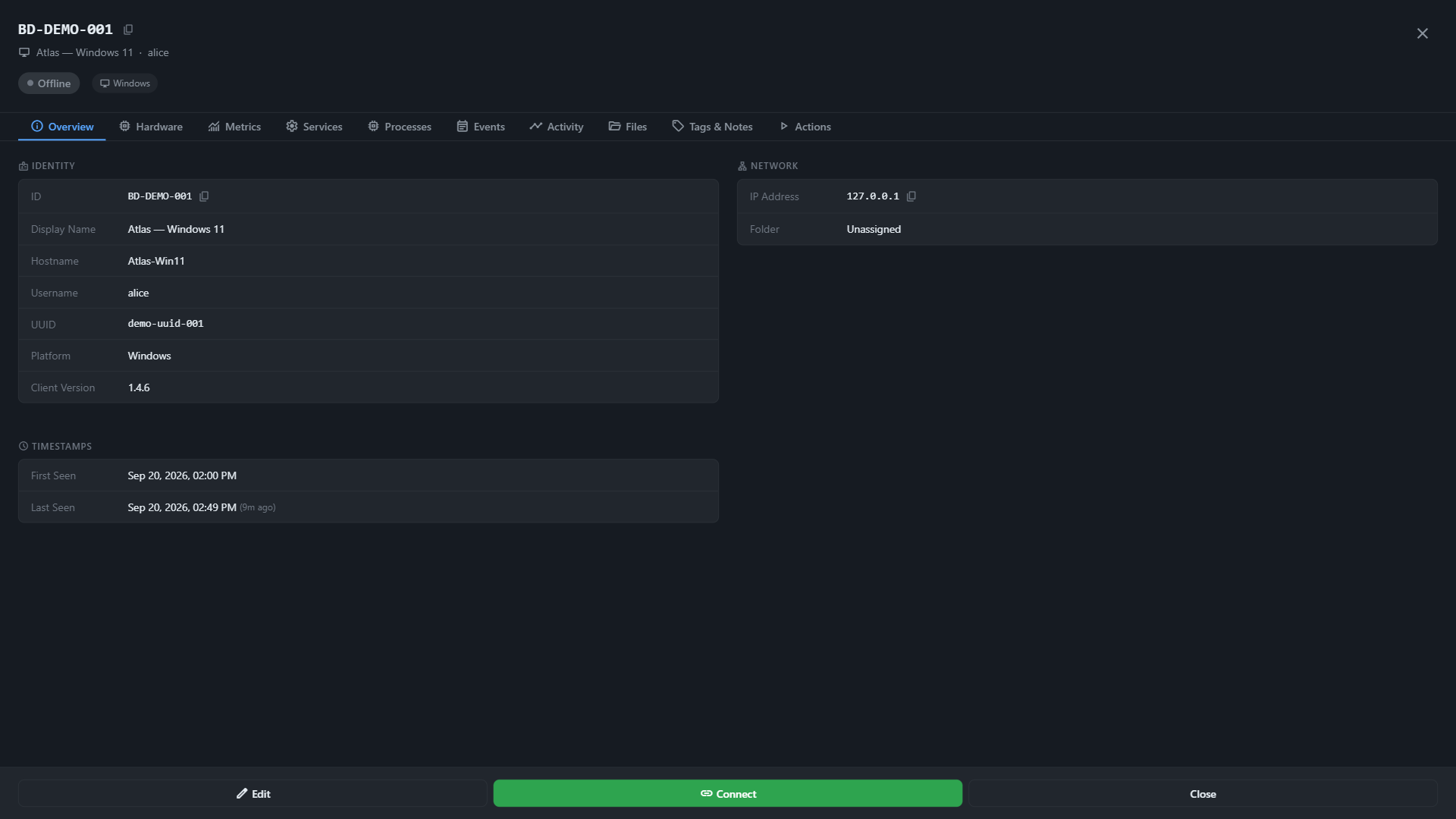 |
| Devices | Device details |
 |
|
| Settings → Updates | |
The source files are kept in screenshots/generated/ in the repository.
Dashboard
Overview cards: device counts, online status, server uptime, versions.
OS-style Desktop Mode is not loaded anymore. Use classic or UX 3.5. Old notes: Desktop Dashboard.
Devices Page
Device List
The devices page shows all registered RustDesk clients in a responsive table:
| Column | Description |
|---|---|
| ID | RustDesk client ID (numeric) |
| Hostname | Device hostname (from sysinfo) |
| Type | Device type (desktop, server, agent, etc.) |
| Platform | OS (Windows, Linux, macOS, Android, iOS) |
| Last Online | Last heartbeat timestamp |
| Status | Online/Degraded/Critical/Offline with colored dot |
| Actions | Kebab menu (⋮) with device operations |
Filters
- Search — Filter by ID, hostname, platform, or tags
- Status filter — Segmented pills: All / Online / Offline
- Folder filter — Horizontal scrollable folder chips
Device Actions (Kebab Menu)
| Action | Description |
|---|---|
| Edit | Change device notes, tags, user assignment |
| Connect | Launch RustDesk connection (URI handler) |
| Rename | Change the device ID |
| Delete | Soft-delete the device |
| Revoke | Delete + block ID + disconnect active sessions |
| Ban | Block the device from reconnecting |
| Wake on LAN | Send WOL magic packet (offline devices) |
Folders
Organize devices into folders:
- Create/rename/delete folders
- Drag-and-drop devices between folders
- Folder counts update automatically
Real-time Status Updates
Device status updates in real-time via WebSocket push from the Go server event bus. No page reload needed — green/red dots update in-place.
Device Detail
Click a device row to open the detail panel:
Info Tab
- Device ID, hostname, platform, version
- IP address, last online timestamp
- Tags, notes, user assignment
- Connect button (RustDesk URI handler)
Hardware Tab
- CPU model, cores, architecture
- Total RAM, total disk
- OS version, kernel
Metrics Tab
- Live CPU, memory, disk gauges (animated bars)
- Historical charts (last 100 data points)
- Data from
POST /api/heartbeatwith metrics
Users Page
Manage console users and roles. See User Management and Organizations and RBAC.
Additional Panel Pages
| Page | Description |
|---|---|
| Organizations | Multi-tenant orgs, members, scoped devices |
| Fleet | Device groups, batch operations, scaling |
| Policies | Access policies, unattended schedules |
| Client Generator | Branded RustDesk client builds — Client Generator |
| Help Requests | End-user support inbox |
| Tickets | Internal ticket tracking |
| CDAP Devices / Studio | IoT device management and widget editor |
| Activity / Reports | Audit and reporting views |
| Security Audit | Login and API security events |
| Server Management | Go server health, config, API keys |
| Settings → Updates | In-panel updates — Panel Updates |
| Settings → Authentication | RustDesk client session TTL, OIDC — OIDC SSO |
Settings Page
Server Configuration
- View server address and public key
- Generate QR codes for client setup
- Copy configuration strings
Console Settings
- Language selection (26 locales — auto-discovered from
web-nodejs/lang/) - Console version info
- Session timeout configuration
Password Change
- Current password verification
- New password with confirmation
- TOTP 2FA enrollment/removal
Login screen
Classic and UX 3.5 use the standard panel login (username / password / optional TOTP). The old Windows 11-style desktop login is retired with Desktop Mode.
UI Features
Theme Support
- Dark (default) — Dark backgrounds, light text
- Light — White backgrounds, dark text
- Auto — Follows system
prefers-color-scheme
Toast Notifications
- Success/error/warning/info pop-ups
- Auto-dismiss with progress bar
- Hover to pause
- Max 5 simultaneous toasts
Skeleton Loading
- Animated shimmer placeholders during data load
- Applied to tables, cards, avatars
Page Transitions
- Fade + translateY animation on page content
- Staggered list item animations (30ms per row)
Responsive Design
- 4 breakpoints: 1024px, 768px, 600px, 400px
- Card-style layout on mobile (< 600px)
- Bottom sheet kebab menu on phones
- Collapsible sidebar navigation
Internationalization (i18n)
The console supports 26 languages (including EN, PL, DE, FR, ES, JA, ZH, ZH-TW, and more). Languages are auto-discovered from web-nodejs/lang/*.json.
| Language | Code | Status |
|---|---|---|
| English | en |
Complete (source) |
| All others | ar, cs, da, de, es, … |
Maintained — see repo for coverage |
Adding a Language
- Copy
web-nodejs/lang/en.jsontoweb-nodejs/lang/{code}.json - Translate all values (keep keys as-is)
- Update the
metasection with language info - The language auto-appears in the selector (auto-discovery from
lang/directory)
See the Contributing Translations guide for details.
See also
- Desktop Widget Dashboard — widget reference
- Web Remote Desktop — browser remote sessions
- User Management — roles and 2FA
- Panel Updates — upgrading the panel
Repository · Issues · Discussions · Releases · Privacy · Sponsors


Wiki source: docs/wiki/ — last sync: 2026-09-06