 Yang Yang Xie
a92bbcd782
Yang Yang Xie
a92bbcd782
The README was written when Aegis was a monitoring and gateway tool, and it has
been describing that product for three months while the thing itself grew into a
platform. The headline still read "Self-hosted Envoy gateway · AI threat
analysis · TLS automation · Real-time dashboard" — all true, all now one
subsystem of several, and none of it the reason someone would choose this.

README now leads with what it is: one control plane from the bare metal up,
air-gapped by default, with the customer's model weights staying on the
customer's storage. The gateway keeps its place; it just stops being the whole
story. A note records the scope change rather than pretending the old framing
never existed.

ROADMAP is rewritten, not amended. It listed a container manager, a Docker
registry, an embedded DNS server and AI-driven deployment orchestration as
future phases — all four shipped. A roadmap that describes delivered features as
upcoming undersells the product to exactly the reader who bothered to open it.
It is now built / next / then, matching the private status doc so the two cannot
drift.

CHANGELOG gains 1.3, covering three months: bare-metal provisioning, the
Kubernetes lifecycle with air-gapped installs validated live, Depot with
pluggable storage backends and reference-only artifacts, GPU-aware workloads,
Owl's risk-classified tool surface, and the auth middleware rewrite that
replaced a method-blind public-route match.

FIXED A BROKEN QUICKSTART, which is the part that mattered most. The published
docker-compose.yml exposes only 8765, while agents dial in on 8766 and the
overlay needs 3478/udp and 51820/udp. Anyone following the new one-line
enrolment instructions would have watched the installer succeed and the node
never appear. Both ports are now published with comments explaining when they
are needed, and AGENT_HOST is present with a note that it must be set to
something the nodes can actually resolve before enrolling any.

Every internal link in README and ROADMAP verified to resolve; compose file
validated.

Co-Authored-By: Claude Opus 5 <noreply@anthropic.com>
Claude-Session: https://claude.ai/code/session_01B9dzsPuPpFbdgCuUDgsG8L
8.6 KiB

Aegis
Run AI on hardware you control.



One control plane from the bare metal up — provisioning, networking, Kubernetes, models and serving.
Fully air-gapped when you need it. Your model weights stay on your storage.
With an AI operator that does the routine work instead of describing it.
aegis.jerxie.com — ask the assistant anything about the platform

What Aegis is
Every organisation that cannot put its data in someone else's cloud currently assembles an on-prem AI stack out of six tools — a mesh VPN, an ingress gateway, a Kubernetes distribution, a bare-metal provisioner, an artifact registry, a monitoring stack — plus a team to keep them in step. That team is the product they are actually buying, and it does not scale.
Aegis replaces the assembly. One hub container runs the control plane; a single agent enrols each machine. From there you provision bare metal, build clusters, catalogue models, and serve them — without any of it leaving your network.
Note on scope. Earlier versions of this README described Aegis as an Envoy gateway with AI threat analysis. That is now one subsystem of several. The gateway still does everything it did; the product around it grew.
Quick start
mkdir aegis && cd aegis

curl -O https://raw.githubusercontent.com/axieyangb/aegis/main/docker-compose.yml
mkdir envoy
curl -o envoy/envoy.yaml https://raw.githubusercontent.com/axieyangb/aegis/main/envoy/envoy.yaml

docker compose up -d
Open http://localhost:8765 — default login admin / changeme.
Set
ADMIN_PASSWORDindocker-compose.ymlbefore exposing this to anything.
Then enrol a machine — one line on the target, no SSH keys to distribute and no inbound ports to open:
curl -fsSL "http://<your-hub>:8765/install.sh?token=<join-token>" | sudo bash
The node dials out to the hub, receives an identity signed by your hub's own CA, and appears in the fleet. Bare metal with a BMC can instead be powered on and installed from the UI.
Requirements: the hub needs any Linux host with Docker (2 vCPU / 2 GB is plenty). Nodes need Linux with systemd, x86_64 or arm64. GPUs are detected and scheduled on automatically. Internet access is optional after the first pull.
What it does
| Fleet | One-line enrolment, per-node mTLS identity, digest-verified agent upgrades with systemd auto-rollback, activity log |
| Networking | WireGuard overlay mesh, STUN NAT traversal, automatic LAN-direct routing with mesh fallback, embedded fleet DNS for hosts and containers |
| Gateway | Envoy with a full xDS control plane, SDS certificate management, automated TLS issuance, staged pending→apply config, rate limiting, one-click Expose |
| Bare metal | Redfish/BMC power control, UEFI HTTP Boot with no L2 adjacency required, serial console, libvirt/KVM provisioning with cloud-init |
| Kubernetes | Create, scale, upgrade, back up, restore and tear down clusters via a reconciler — k3s and kubeadm, with air-gapped installs validated live |
| Models & data | Catalogue models and datasets with versions, digests and lineage; pull from HuggingFace once and stage to nodes over the LAN; quotas per owner |
| Your storage | Keep artifact bytes on your own NAS mount or cloud bucket, switched at runtime from the UI. Reference-only artifacts catalogue what you already have without copying it |
| Workloads | GPU-aware scheduling, managed volumes with a file browser, notebooks, serving, promote-a-result-into-the-catalogue |
| AI operations | Owl, an assistant that acts through risk-classified tools with prompt-injection defences — it has deployed and configured Prometheus end to end, unattended |
| Protection | AI threat analysis over gateway access logs, automatic blocking, patrol sweeps, notifications |
What makes it different
Most of the above has a good commercial equivalent. These do not:
- Air-gap is the default, not an enterprise tier. A 5-node HA Kubernetes cluster installed with no internet access at all, validated live. It falls out of the architecture: the hub reaches the internet once, every node pulls from the hub.
- An AI operator that operates. Owl changes infrastructure through scoped, risk-classified tools — not a chat box that summarises a dashboard.
- Bare metal to running model in one control plane. The seams between MAAS, Rancher and Harbor are where an ops team currently lives.
- Your weights never touch our disk. We catalogue; your storage holds. A 57 GB repository can be registered in seconds having downloaded nothing.
- One transfer, then LAN. A node with no internet access still gets a 57.9 GB model.
What it does not do yet
Published deliberately, because finding this out later is worse:
| Gap | Where it stands |
|---|---|
| Multi-user / RBAC | Single operator account. Ownership already threads through the data model; the identity layer on top is the next major workstream. |
| Control-plane HA | One hub, one database. Workloads survive a hub outage; management does not. |
| Managed training runs | The GPU scheduler, artifact capture and volumes all exist, but training is not yet modelled as a workload — a run is still started by hand. |
| Scale | Validated at nine nodes. We quote that number rather than implying a larger one. |
Architecture
Aegis runs as two containers — the hub (control plane, API, UI) and Envoy (data plane, driven entirely over xDS). Agents on each node dial out to the hub over a persistent connection, so no node needs an inbound port and nothing needs an SSH key distributed to it.
See deployment architectures for direct exposure, VPS relay and Cloudflare Tunnel topologies, and sequence diagrams for the request paths.
Configuration
Everything is environment variables in docker-compose.yml. See
configs/ for annotated examples and
envoy-config.md for the gateway bootstrap.
Docs & tutorials
- Getting started
- AI setup — connecting Owl to a model provider
- Notifications
- Deployment architectures
Tutorial series: exposing a service with Aegis
Videos
|
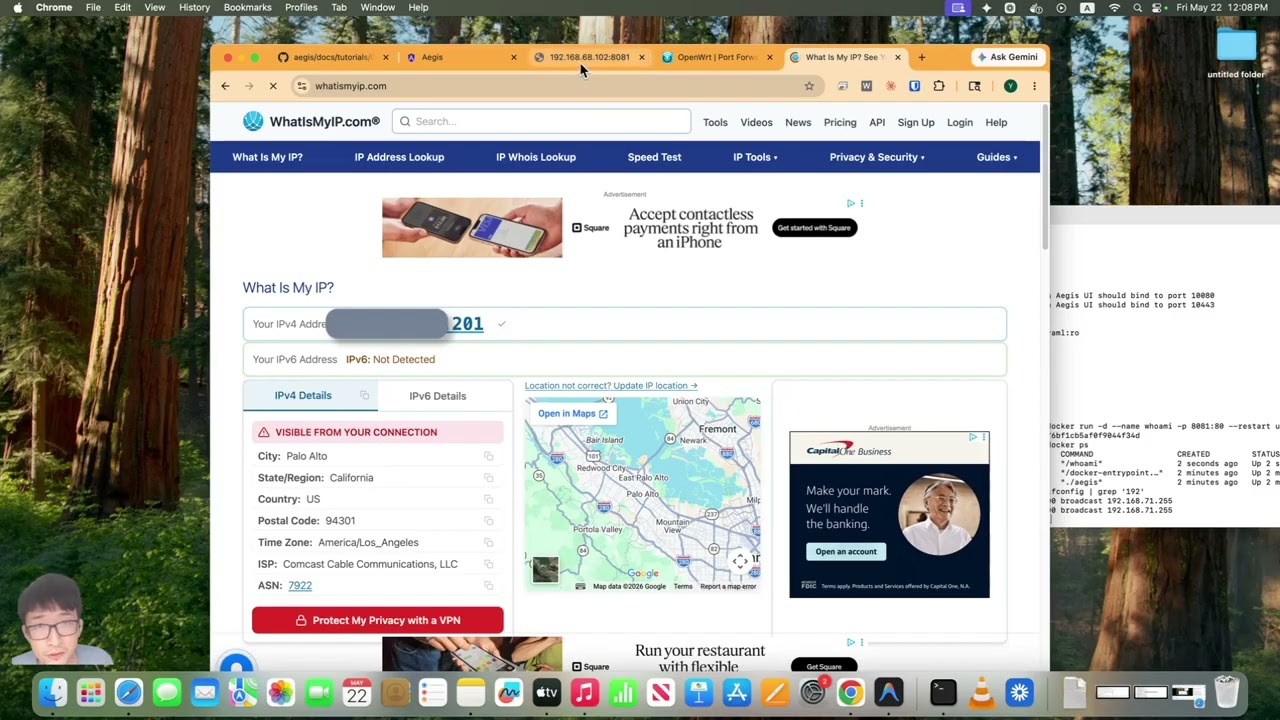
Self-Host a Service with HTTPS |
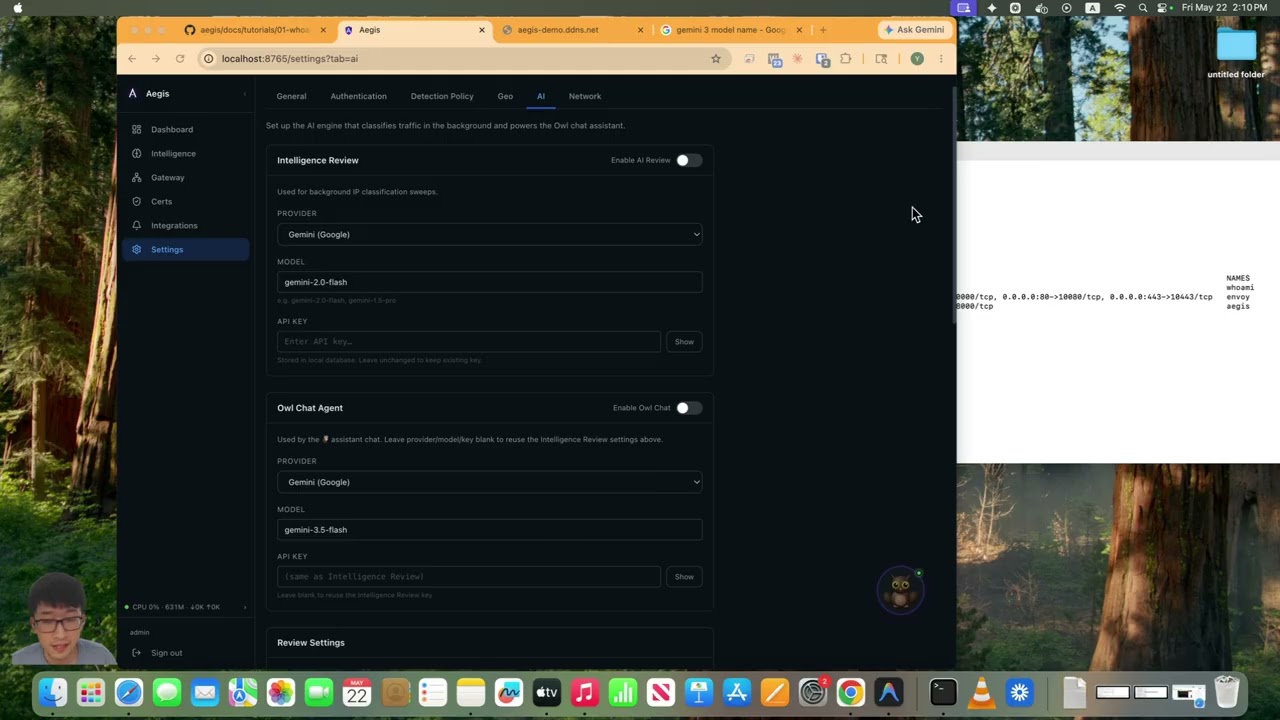
AI Configures HTTPS Gateway and TLS Certificates |
License
Distributed as a compiled binary. Source code is proprietary. See LICENSE.
Community tier is free forever. Pro unlocks unlimited notification channels, longer log retention, and unlimited AI patrol sweeps.
About
Built and run on a real fleet — nine nodes spanning LAN, cloud and overlay-only, managed through this platform daily. Questions are welcome at aegis.jerxie.com, where an assistant answers from this documentation, including the parts about what Aegis cannot do yet.